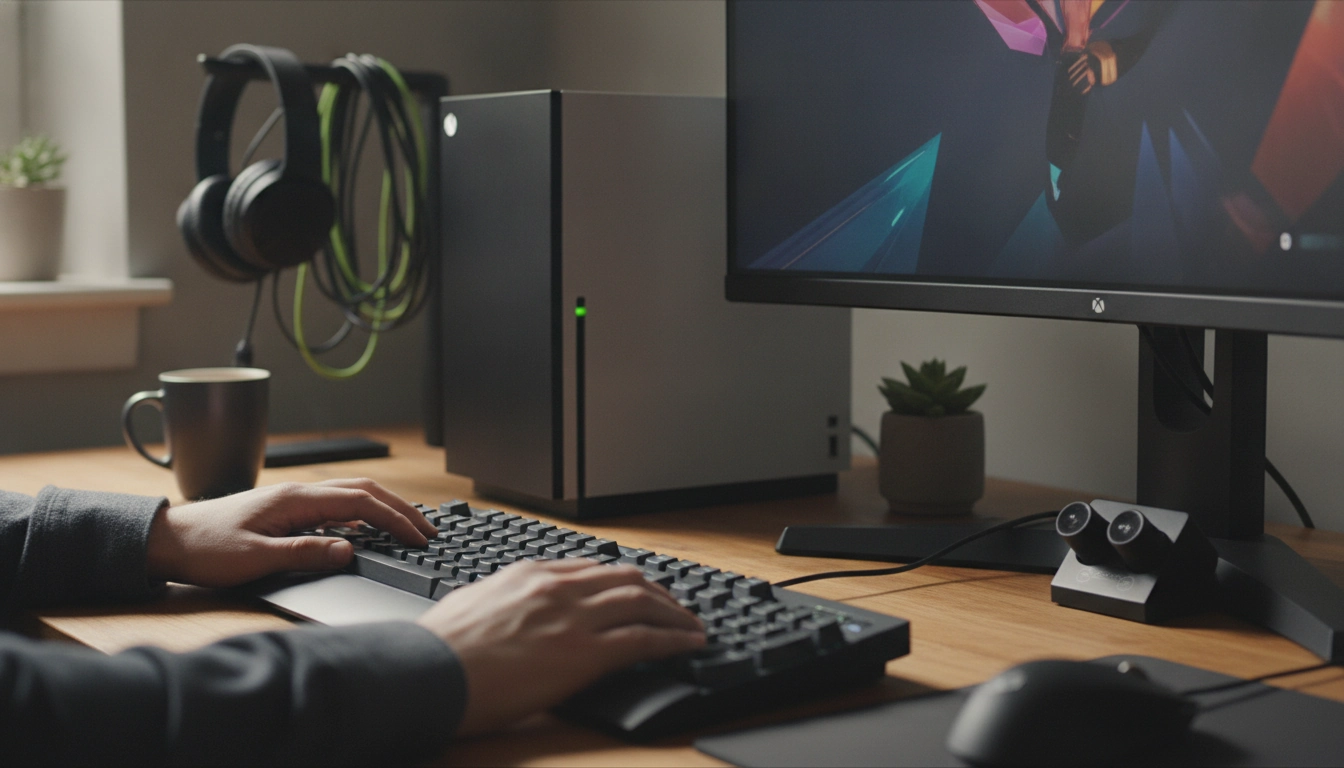
Not every wireless keyboard will work on Xbox. Xbox consoles support many keyboards, but compatibility depends on how the keyboard connects and what the game or app allows.
The most reliable option is a keyboard that connects through a USB-A dongle (2.4GHz wireless) or a standard wired USB connection. If the Xbox recognizes the device as a USB keyboard, it typically works for typing in system menus, messaging, search, and supported apps. Some games also support keyboard input, but others block it or limit it to chat only.
Bluetooth support on Xbox is limited. Many Bluetooth-only keyboards won’t pair or won’t function correctly because the console doesn’t universally accept Bluetooth HID keyboards the way a PC does. If a keyboard is “wireless” but relies only on Bluetooth (no USB receiver), it’s more likely to be incompatible.
Even when a keyboard connects successfully, gameplay support is determined by each game. Some titles allow keyboard for movement and actions, while others only accept it for text chat. If you’re buying a keyboard specifically for gaming on Xbox, check the game’s input support details before assuming full functionality.
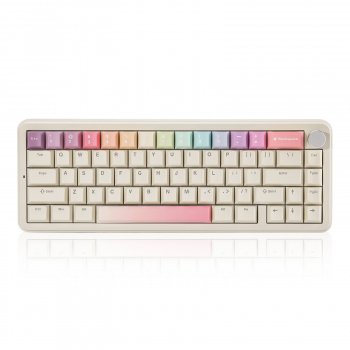
Tri-mode keyboards (USB wired + 2.4GHz dongle + Bluetooth) can be a practical choice because you can use the USB receiver for Xbox and reserve Bluetooth for tablets or phones. For a deeper look at a tri-mode layout and what to expect from a compact mechanical board, see this guide to a beige 65% tri-mode hot-swappable mechanical keyboard.
For Wireless Keyboard on Xbox: What Works and What Doesn’t, the best answer depends on fit, material, care instructions, and how the product will be used day to day.
Not always. You can use a keyboard alone for typing and for games that support keyboard-only input, but many players pair it with a mouse for full keyboard-and-mouse control in supported games.





Leave a comment