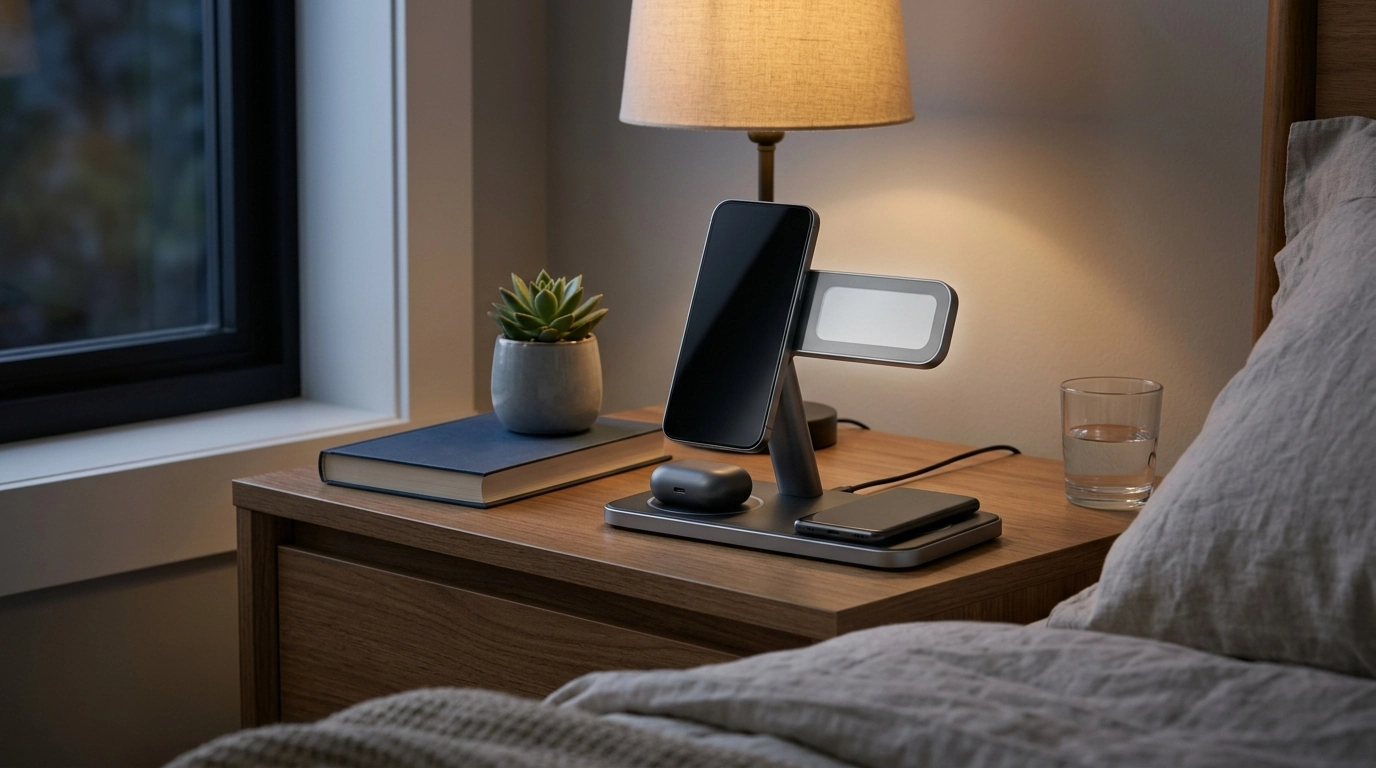
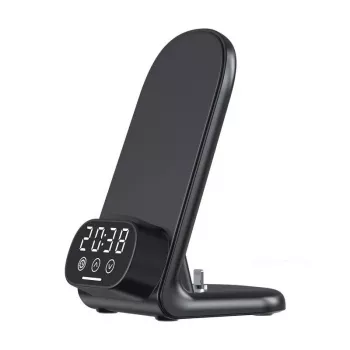
A nightstand setup works best when it reduces clutter and makes routines automatic. This 3-in-1 charging stand combines a phone stand, a dedicated spot for earbuds, and a separate charging area for another device—plus a built-in clock for quick time checks during the day or at night.
If you’re looking to simplify your everyday “drop zone,” the 15W 3-in-1 Wireless Charger Stand with Clock for iPhone, AirPods, and Samsung keeps your most-used devices in one place while making it easy to glance at the time without picking up your phone.
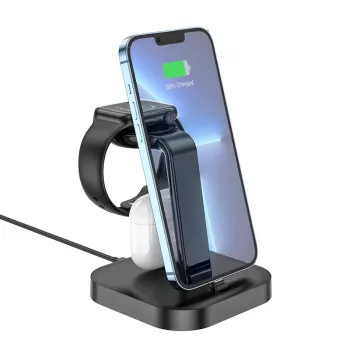
Instead of scattering cables across a nightstand, a single stand encourages a repeatable routine: set your phone on the stand, place earbuds in their charging spot, and drop a second device (such as another phone or Qi-compatible accessory) onto the extra charging area. The upright phone position is also convenient for quick checks—like an alarm countdown, a meeting reminder, or an incoming call—without needing to hold the device.
Wireless charging performance is heavily influenced by coil alignment, case thickness, and the power available from your wall adapter. A stand-style charger can make alignment more consistent than a flat pad because the phone naturally rests in a repeatable position. For general background on Qi wireless charging, the Wireless Power Consortium (Qi) overview is a helpful reference point.
| Device | What to confirm before buying/using | Common issue to avoid |
|---|---|---|
| iPhone | Qi support; suitable wall adapter for best speeds | Misalignment from bulky cases |
| AirPods | Wireless-charging case (Qi/MagSafe-capable case) | Non-wireless case won’t charge |
| Samsung Galaxy | Qi support; fast wireless capability if desired | Thick case or magnetic ring causing dropouts |
For model-specific guidance, Apple’s support page on wireless charging on iPhone and Samsung’s wireless charging support resources can help confirm what your device supports and what to expect for charging speeds.
A simple way to test reliability is to place your phone on the stand, wait 10–20 seconds, and confirm the charging indicator stays on. If the indicator drops out, start by re-centering the phone. If the phone still won’t hold a charge, try removing the case or any add-ons (especially magnetic rings or metal plates) and test again.
15W is the charger’s potential output, but actual speed depends on your specific phone model, the wireless standard it supports, and the wall adapter supplying power. Some iPhone models limit wireless charging speeds unless you use certain certified solutions, while many Samsung models only reach faster wireless rates with compatible fast wireless charging support and adequate power input.
Yes—AirPods will charge if the case supports wireless charging (a Qi/MagSafe-compatible charging case). If your AirPods case does not support wireless charging, it won’t charge on a wireless charging surface.
The most common causes are misalignment, thick cases, magnetic rings or metal plates, an underpowered wall adapter, or debris on the charging surface. Re-center the device, remove accessories that add thickness or metal, clean the surface, and use a higher-quality adapter/cable to improve stability.





Leave a comment