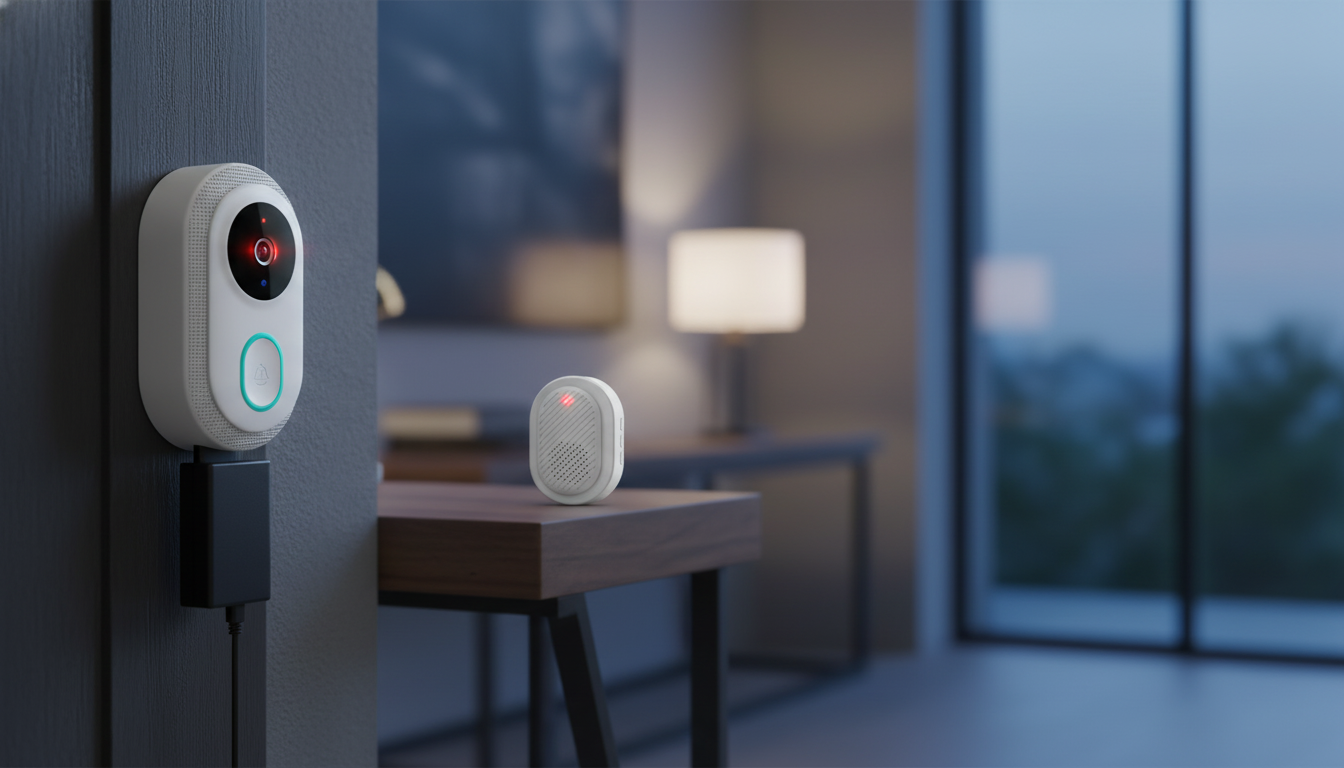
A smart WiFi doorbell camera helps manage the busiest—and most vulnerable—part of many homes: the front door. Instead of relying on a quick glance through a peephole, it can send real-time motion alerts, let you see who’s there from your phone, and support quick responses with two-way audio. Features like night vision and a rechargeable battery also make it easier to get consistent coverage without rewiring, even in rentals or older homes.
A video doorbell is more than a convenience gadget. Used well, it becomes a simple routine for handling drop-offs, visitors, and unexpected activity.
Night vision is designed to keep the view usable when the porch light is off and the street is quiet. Most doorbell cameras use infrared (IR) illumination, which usually means a monochrome image at night—still often clear enough to see movement, body outline, and key details at typical doorstep distance.
If you have a very bright entry light, consider switching to a softer bulb or repositioning the light so it doesn’t point directly into the camera lens. That small change often reduces glare and improves facial detail at night.
Two-way audio turns the doorbell camera into a quick communication tool—useful when you don’t want to open the door or when you’re not home. Short, clear exchanges tend to work best, especially in windy weather or when visitors are standing off to one side.
For day-to-day use, a few “standard phrases” help: “Please leave the package by the mat,” “I can’t come to the door right now,” or “One moment, please.” It keeps interactions fast and easy to understand through a small speaker.
Rechargeable doorbell cameras are popular because they avoid hardwiring and open up more placement options. Battery life depends on how busy your entryway is and how often the camera is triggered.
| Setting or condition | Typical impact | Practical tip |
|---|---|---|
| High motion sensitivity | More alerts and more recordings | Lower sensitivity or adjust zones to exclude sidewalks and streets |
| Frequent live view | Faster battery drain | Use live view when needed; rely on event clips for routine checks |
| Cold temperatures | Reduced battery efficiency | Recharge more often in winter; mount in a slightly sheltered spot if possible |
| Busy porch area (pets, trees, traffic) | More motion triggers | Angle the camera away from moving branches and high-traffic areas |
| Weak WiFi signal | Potential delays and extra power use | Move the router closer or add a mesh node near the entryway |
For practical home network security fundamentals, NIST’s guidance is a solid reference: NIST: Home Network Security. For broader personal data protection basics, the FTC is also helpful: FTC: Protect Your Personal Information.
If you’re troubleshooting wireless reliability (including interference and general wireless behavior), the FCC’s consumer guides can be useful background reading: FCC: Consumer Guides.
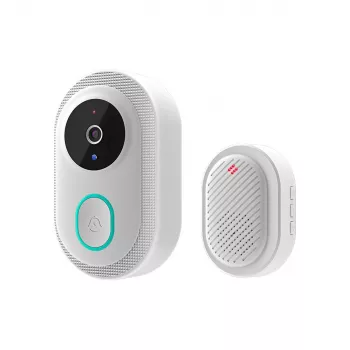
If you want a straightforward setup with the core features most households use every day, Smart WiFi Doorbell Camera with Night Vision, Two-Way Audio, and Rechargeable Battery is built for front-door monitoring with after-dark visibility, talk-back convenience, and battery-powered flexibility.
Usually, yes—infrared (IR) illumination can create a usable image even without visible light. Clarity still depends on distance, lens cleanliness, and avoiding glare or reflections that can wash out detail.
It varies widely based on motion frequency, sensitivity, live view usage, WiFi strength, and temperature. Check battery percentage during the first week to learn your real-world drain rate and set a recharge routine that prevents downtime.
Common causes include weak signal at the door, network congestion, router distance, power-saving behaviors, or phone notification permissions. Improving signal strength (router placement or mesh WiFi) and confirming app notification settings typically helps.





Leave a comment